Grids for every idea
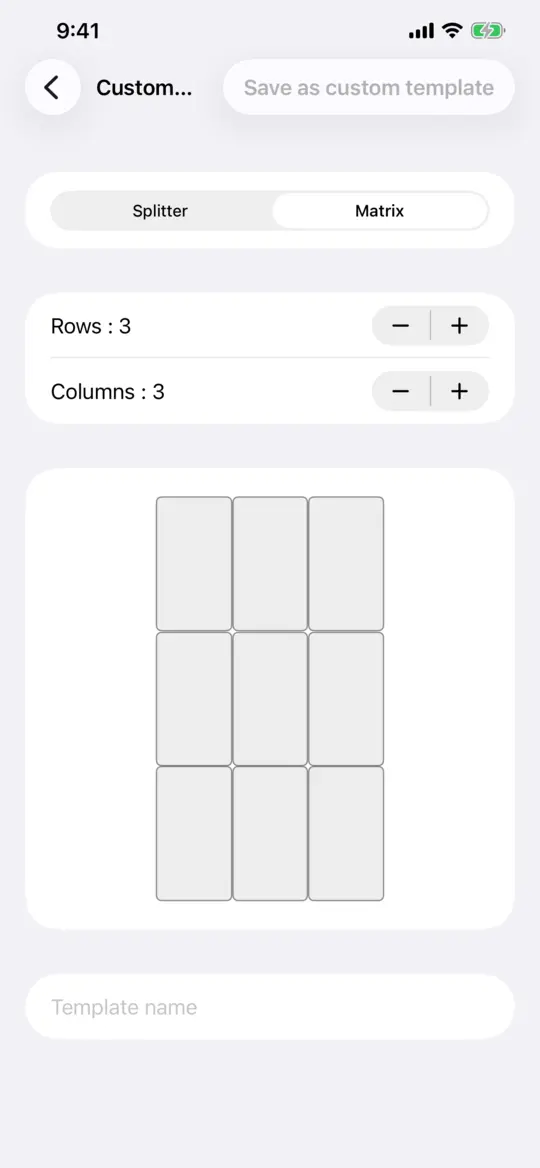
Rows, columns, mosaics, diagonals, star and hexagon cuts, or your own grid: split and merge cells, or start from a matrix of rows and columns, then keep it as a template.
 Layerov
Photo and video collage maker
Pick a format and a grid, drop your photos and videos into the cells, frame each one with your fingers and export a picture or a video, ready to post. No timeline, no layers, nothing to learn.
Free: every grid, format and export quality. Free exports carry a small watermark; a monthly subscription through your app store removes it.
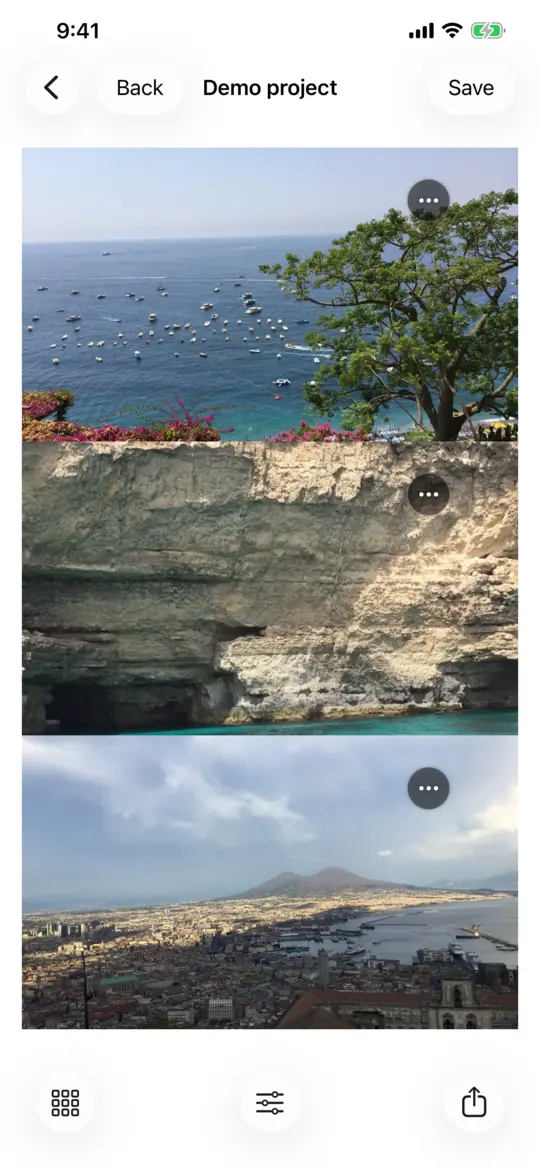
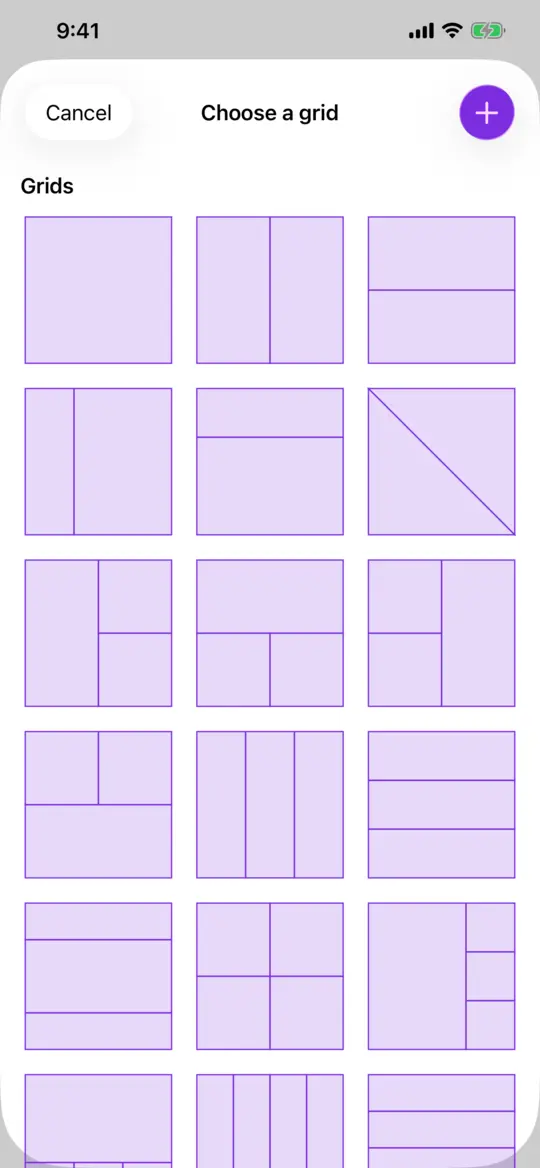
9:16, 4:5, 3:4, 1:1, 16:9 or your own size, and a built-in grid or one you draw yourself.
A photo or a video in each cell. Pinch to zoom, drag to move, and set the volume of each video.
An image for a collage of photos, a video with its sound as soon as there is a video. Saved to your gallery and ready to share.
Rows, columns, mosaics, diagonals, star and hexagon cuts, or your own grid: split and merge cells, or start from a matrix of rows and columns, then keep it as a template.
Mix photos and videos in the same collage. Shorter videos loop, the edit lasts as long as the longest one, and every soundtrack is mixed into the export.
Pinch to zoom and drag to move inside each cell. Choose a background colour, photo or video, and adjust the spacing between cells.
Export as a video up to 4K at 60 frames per second, or keep the project's own resolution. A collage of photos exports as an image.
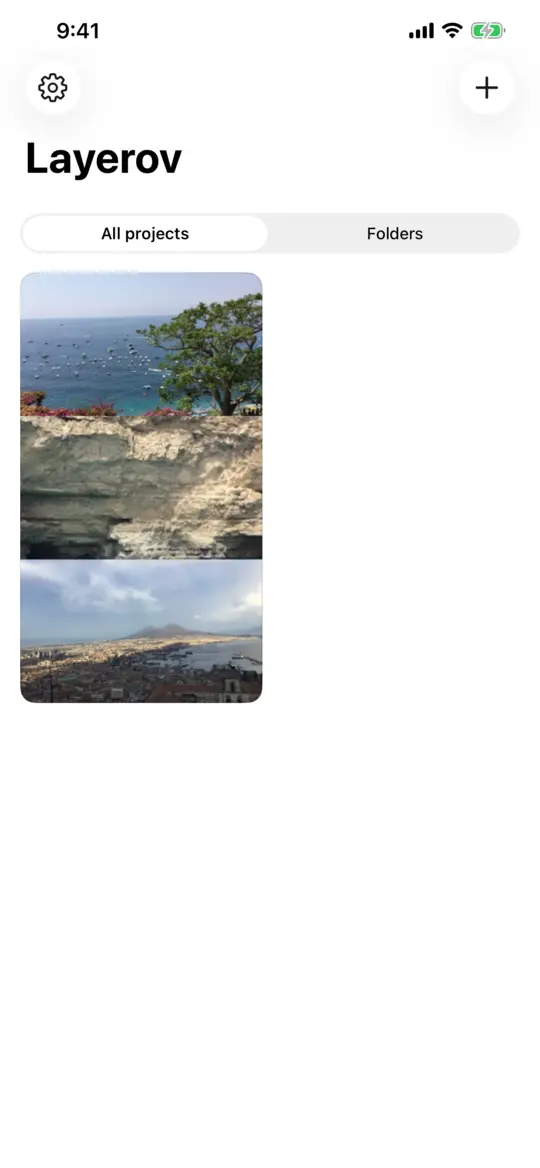
Every collage is saved and stays editable: sort your projects into folders, duplicate them and rename them.
Everything is processed on your phone, offline. Nothing is uploaded and there is no account to create.
Yes. Photos and videos live in the same collage. Shorter videos loop, and the edit lasts as long as the longest video.
Yes. Set the volume of each video cell by cell; every track is mixed into the exported file.
Only the watermark. Every grid, every format and every export quality is available for free; free exports carry a small "Layerov" watermark, and the monthly subscription removes it.
No. Everything is processed on your phone, the app works offline and nothing is uploaded.
In your gallery, in a "Layerov" album. You can also share them straight to any app.
Layerov is made for Android and for iPhone.
A collage of photos exports as an image. As soon as it holds a video, it exports as a video with its sound, up to 4K at 60 frames per second.
Install Layerov, pick a grid and export your first collage in a minute.